briDJe User Manual
Rekordbox
Last updated
briDJe imports Rekordbox from a rekordbox.xml file that you export from Rekordbox. The import dialog accepts XML; select that export rather than master.db.
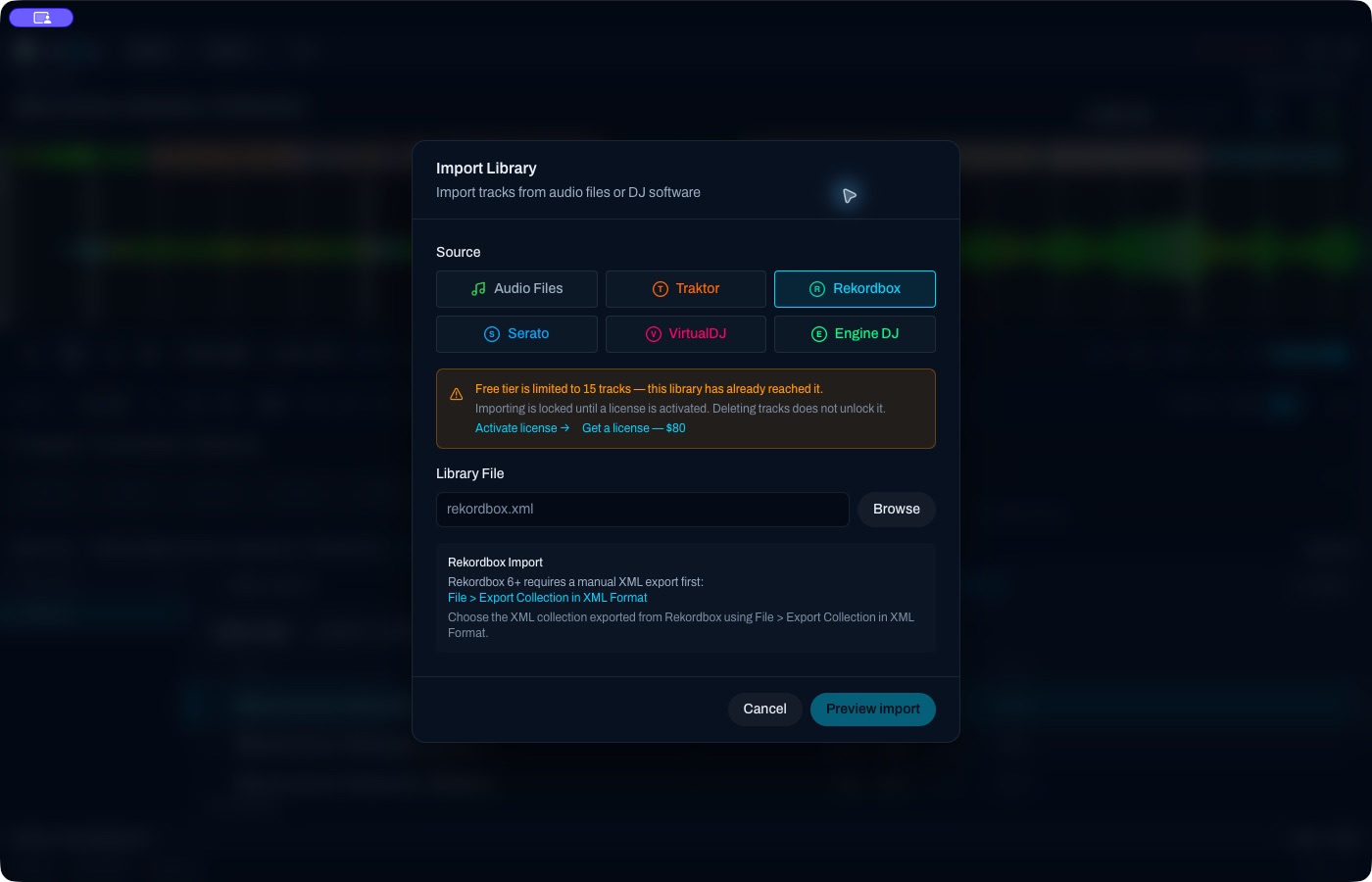
The Rekordbox import screen. The lock shown here means this library had already reached the free-tier import limit. See License Activation.
Prepare the XML
- In Rekordbox, export your collection as XML (the exact menu location depends on your Rekordbox version).
- Close or save Rekordbox so the file is complete and consistent.
- Note where the file was saved.
Import steps
- In briDJe, click Import or press
Cmd+I/Ctrl+I. - Choose Rekordbox and click Browse. Select the
rekordbox.xmlfile. - Choose the scope. The default is all tracks and playlists. Optionally pick selected playlists; their ancestor folders come along.
- Click Preview import.
- Review new, changed and absent tracks and playlists, plus any local edits, conflicts or uncertain matches.
- Accept the review and apply the import.
The import reads the XML into briDJe’s working library. The XML file is not changed.
Limits
- Imported smart-playlist rules, if present, are kept as static snapshots and are not re-evaluated.
- What survives depends on what Rekordbox wrote into the XML. Check grids, hot cues, memory cues and loops by ear: beat grids, hot cues, loops.
- Audio paths come from the file. If you moved music after exporting, tracks may show as missing.
- On a free-tier library, imports lock once 15 tracks have been reached. A first batch can exceed 15.
Reimporting
A later import shows a review again. Local working edits are protected; inspect competing preparations in the Preparation panel. Nothing is guaranteed to merge automatically. See Preparation and reimport.
Exporting back to Rekordbox
briDJe writes Rekordbox XML, which you import into Rekordbox yourself. It does not overwrite master.db. Test with a few tracks first. See Exporting and backups.
Troubleshooting
- No tracks appear: confirm you chose the XML file, not
master.dbor a folder. - Import is locked: see the free-tier notes in License Activation.