briDJe User Manual
Metadata
Last updated
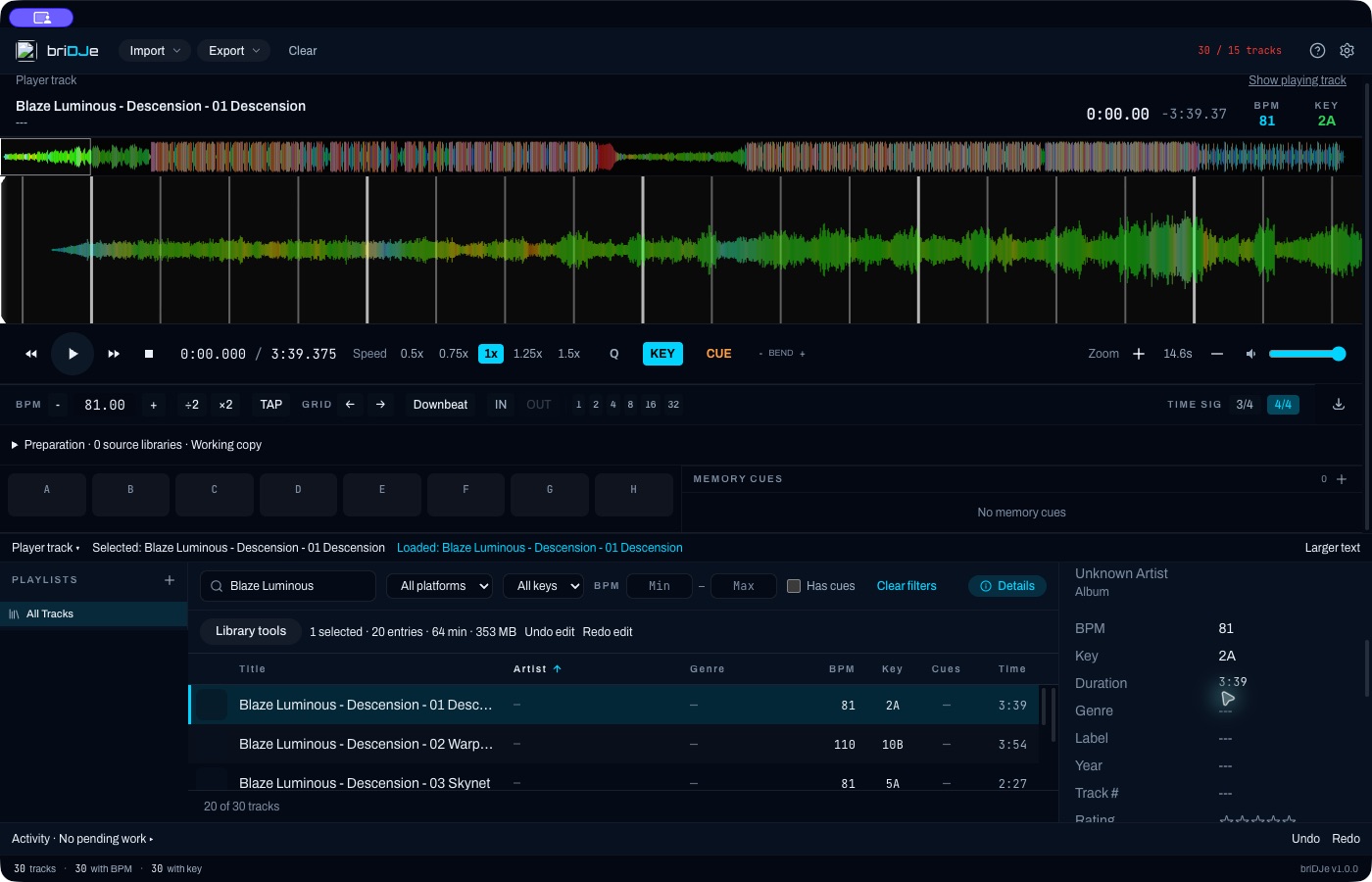
The Details panel for a file with blank tags, so no artist or title is shown.
Editing fields
Press D for Details. Editable: title, artist, album, BPM, key, genre, label, year, track number, rating, energy and comment. Read-only: duration, source, audio properties and path.
Edits to an existing working track save immediately. Undo with Cmd/Ctrl+Z, or from Library tools or Activity. To change several tracks, select them and use Library tools for artist, album, genre, label, color, rating and protection (Library and Player).
Key and BPM
Settings → Library → Key Notation shows keys as Camelot (8A), Open Key (5m) or Musical (Am). That’s a display setting. Each exporter uses its own notation, so don’t treat the setting as a promise about written keys.
Settings → Audio sets the BPM range for new analysis: 68–135, 78–155, 88–175, 98–195, or a saved custom range. It doesn’t retime grids already imported (Beat Grids).
Artwork
Click the artwork to choose a local file (jpg, jpeg, png, bmp or webp). Other options: Reload artwork, Set from file, Extract from audio file and Search online. Online search shows candidates and you choose one; nothing is overwritten automatically. Discogs may need an optional credential, other providers can return errors, and not everything works offline.
Embed to audio file writes to the original music file. This differs from cached artwork and working edits, which don’t touch audio. Remove artwork clears only briDJe’s internal cache.
What export can store
Fields aren’t mapped everywhere. Serato rating and track number are limited unless the tags support them, and Serato 4 ratings may not show in earlier versions. Engine DJ doesn’t support track color. Don’t count on energy being exported. The export preview reports omissions (Exporting and Backups).